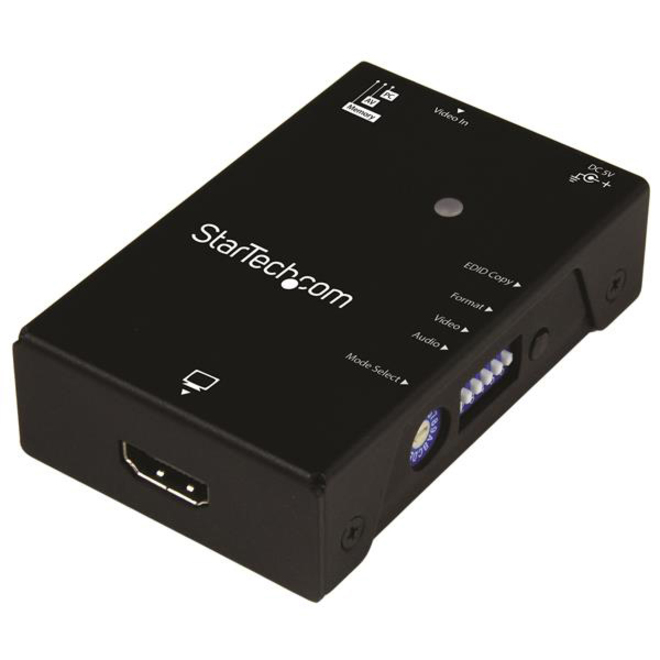
This EDID emulator resolves video communication problemsthat can occur between your HDMI video source and display. The emulator can copy orsynthesizethe Extended Display Identification Data (EDID) from your HDMIdisplay and relay it to your video source, to fix problems thatmay result from using third-party equipment such as video extenders, video switches or KVMs in your video setup. Achieve maximum performance fromyour HDMI display EDID contains important information that your television or projector needs, to deliver its best picture quality.Because most video extenders or switches blockEDID communication betweenyour video source and display, EDIDis often lost in transmission,limiting your video source's ability to output your display's native resolution. Using the EDID emulator, you can ensureyour HDMIsource and display are perfectly in sync, for crystal-clear picture quality. Versatile configuration options,with EDID copying orEDID ghosting To ensure that any EDID communication issue can besolved, the EDID emulator supports bothEDID copying and EDID ghosting. EDID copyingsaves the EDID settings from your display and communicates those exact settings to your source, which is perfect for EDID issues that are caused by a third-party disruption, such as a video switchor extender. EDID ghosting lets you emulate generic EDID settings, to deliver common data to your source or display. This is the perfect solution for EDID issues that often occur when you're working with devices that don't output EDID, such as older legacy equipment or some analog to digital video adapters. Easy to set up,with a hassle-free rotary dial EDID communications containa lot of importantsettings, such as maximum image size, color characteristics, factory preset timings, frequency range limits and more. With all of these specific details, it's easy to be confused or crossed up by the data. This emulator eliminates the hassle and confusion that comes with EDID, giving you a rotary dial that you can use to configureall of your settings in one simple step. The VSEDIDHD is TAA compliant and backed by a StarTech.com 2-year warranty with free lifetime technical support. More from the Manufacturer
More from the Manufacturer