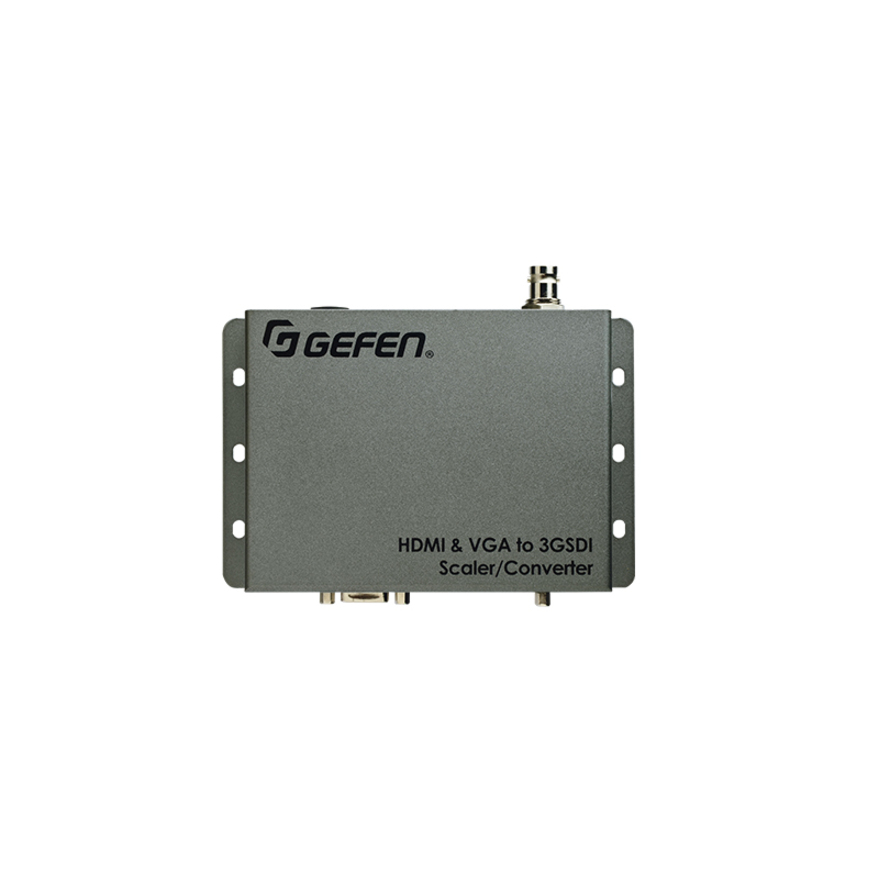
Switch video and audio from an HDMI and a VGA source, scale the picture, and output it to an SDI device
The Gefen EXT-HDVGA-3G-SC scales and converts video from an HDMI or a VGA source to SDI formats, including 3G-SDI and single link HD-SDI. It can also embed HDMI audio or analog L/R audio into the SDI stream. Video can be scaled up to 1080p Full HD. An intuitive and comprehensive on-screen display (OSD) menu allows easy set-up and control. This product can be configured and updated using the Gefen Syner-G™ software suite. The Gefen Syner-G™ is a powerful set of software tools specifically designed to help discover, configure/ customize, manage, monitor, and upgrade Gefen products. Wide power supply operating range of 6V to 24V DC offers installation flexibility for mobile use, in complex studio systems with a common power supply, and with remotely located power sources. A locking power supply connector, small footprint, and a surface-mountable enclosure facilitate easy and secure installation.
How It Works
Use the included HDMI and VGA cables to connect an HDMI source to the HDMI input and/or a VGA source to the VGA input. If you will be embedding analog L/R audio into the SDI stream, connect the included 3.5mm mini-stereo cable from the source to the L/R audio input. Connect an SDI display or other downstream equipment to the BNC video connector output. Connect the included 12V DC power supply to the unit and to an available electrical outlet. The power LED will glow in blue once the power supply is plugged in. Once the unit is powered-on, the HDMI and VGA buttons can be used to select the desired input. Once an input is selected, the corresponding LED will glow in green. To bring up the On-Screen Display (OSD), press the Menu button. Use the Up and Dn (down) buttons to navigate through the various functions of the OSD.