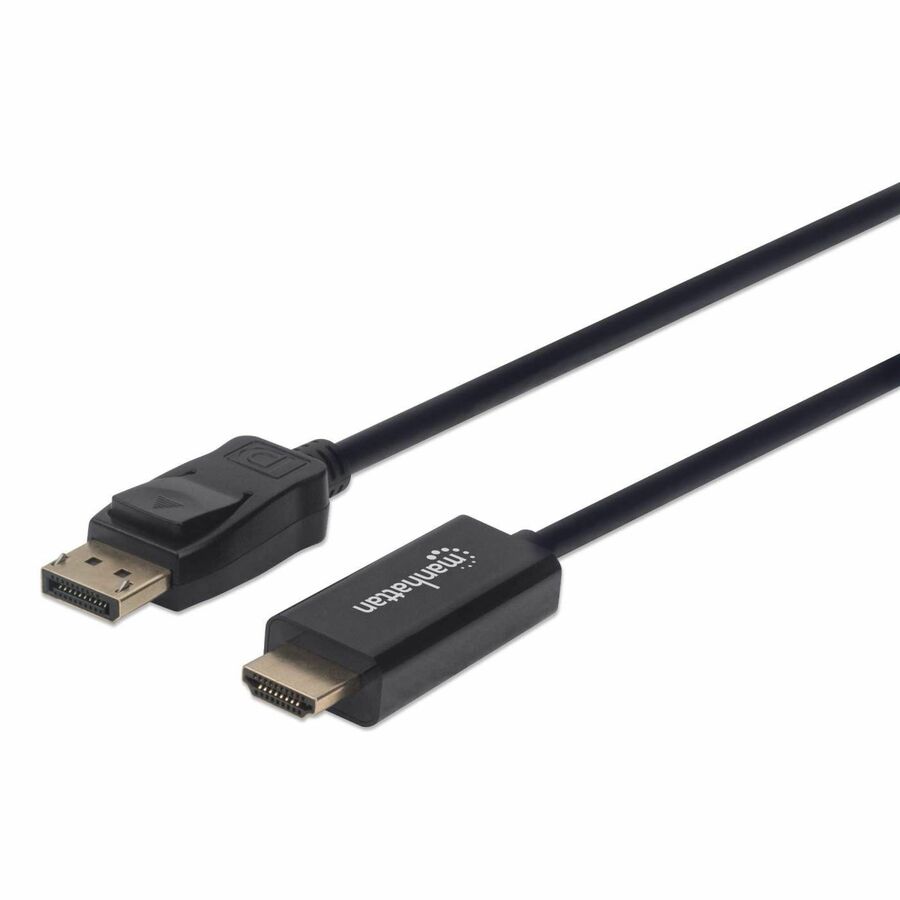




The easiest and best way to connect a DisplayPort laptop or desktop to your HDMI display — in one complete cable
For the simplest and most discreet installation, this DisplayPort to HDMI cable connects your DisplayPort video source to the HDMI port on your display. It doesn't need a power source, unlike some converter dongles that require active power and separate bulky video cabling. This cable lets you enjoy movies on a big-screen HDTV, extend your desktop to a second monitor (up to 4k@60Hz) for an expanded workspace, or show presentations on a projector at school or work without needing any other adapter or converter.
- Offers intense audio and video compatibility
- With DisplayPort and HDMI ports, transfer high-quality pictures and 3D sound effects simultaneously at a high-speed
- HDCP feature for your convenience and ease of usage
- Fully compatible with monitors
| Brand | |
|---|---|
| Brand | IC INTRACOM |
| Screen / Display | |
|---|---|
| Supported Resolution | 3840 x 2160 |
| General Features | |
|---|---|
| Manufacturer | IC INTRACOM |
| Cables | |
|---|---|
| Cable Length | 5.91 ft |
| Cable Type | DisplayPort/HDMI |
| Connector Type on First End | DisplayPort 1.2 Digital Audio/Video - Male |
| Connector on First End Details | Error-dirty-data |
| Connector Gender on First End | Male |
| Connector Type on Second End | HDMI Digital Audio/Video - Male |
| Connector on Second End Details | Error-dirty-data |
| Contact Plating | Gold |
| American Wire Gauge | 30 AWG |
| Compliance & Certification | |
|---|---|
| Environmentally Friendly | Yes |
Manhattan 4K 60Hz DisplayPort to HDMI Cable - 5.91 ft DisplayPort/HDMI A/V Cable for Notebook, Desktop Computer, Display, HDTV, Monitor, Projector, Audio/Video Device - First End: Error-dirty-data - Second End: Error-dirty-data - Supports up to 3840 x 2160 - Gold Plated Contact - 30 AWG - Black
Alternative Products
Your Dynamic Snippet will be displayed here...
This message is displayed because youy did not provide both a filter and a template to use.