Skip to Content

CTA Digital Mounting Bracket for Chromebox - Horizontal

19.99 19.99
19.99

19.99 / Units
  • Brand
  • Weight (Approximate)
  • Product Name
  • Marketing Information
  • Brand Name
  • Manufacturer Part Number
  • Features
  • Orientation
  • Shape
  • Package Contents
  • Limited Warranty
  • Manufacturer
  • Product Type
  • Compatibility
  • Device Supported
  • Application/Usage
  • Manufacturer Website Address
Terms and Conditions
30-day money-back guarantee
Shipping: 2-3 Business Days

This is a sturdy but simple mounting bracket will hold your Chromebox securely in place on a stand for T-Series Monitors. Easy to install and place at the perfect height for you. Holding the device and plate horizontally, align the mounting holes of the device with the mounting holes in the plate tighten in place using the supplied screws. Next, while still holding the device/plate horizontally, place the clamp around the stand. Find the male adapter extrusion on the back of the plate. Align a wingnut and washer with the C-clamp hole and extrusion and tighten slightly. Repeat with the other wingnut. Now simply slide the device to the position you desire, and hand tighten both wing-nuts. Devices not included.

Plate for mounting to device

The Strongest C-Clamp
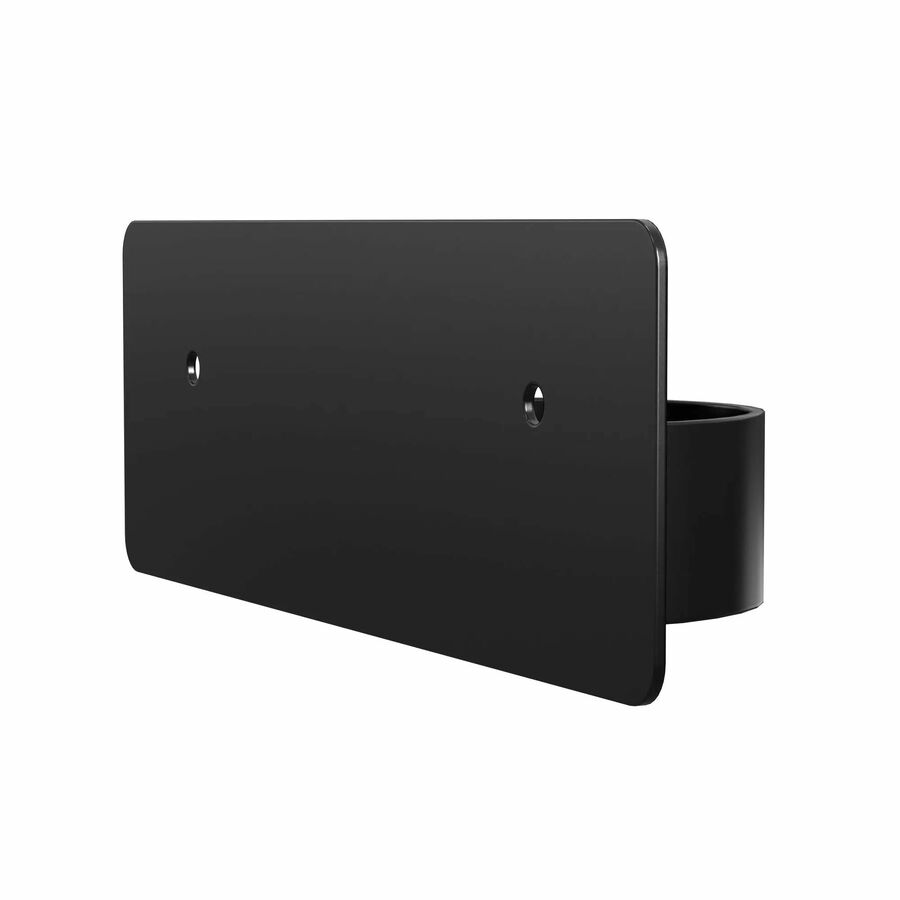

  • Allows the rod to flex and rotate, but stay firm in the position where it is attached to the frame
  • Sturdy feature for maximum efficiency and convenience
  • Stand application/usage for better dependability with added efficiency
Brand
Brand CTA Digital
Size / Dimensions
Orientation Horizontal
Appearance
Shape U
General Features
Manufacturer CTA Digital, Inc
Miscellaneous
Product Name Lenovo Chromebox Micro U-Shape Mounting Bracket for T-Series Monitors